Smartphone battery: what really wears it out and the settings that matter
Contents
A phone battery wears out whatever you do: it is a chemical component whose capacity declines over time. But how fast that happens depends mainly on two things, heat and time spent fully charged. Apple, Google and Samsung have all added settings to limit both. Here is what they recommend, according to their own documentation.
What really wears out a battery?
Lithium-ion batteries age chemically, Apple explains: as they age, they hold less charge, which shortens battery life and can reduce peak performance. Google lists three factors behind that wear: temperature, charging habits and usage.
Heat is the main enemy. Apple says ambient temperatures above 95°F (35°C) can permanently reduce capacity, and charging in high heat does further damage. Google advises charging somewhere cool, around 78°F (25°C), and avoiding more than six hours above 95°F. Cold, by contrast, only reduces battery life temporarily.
High charge matters too. Figures published by Battery University, the reference site run by test-equipment maker Cadex, show it: after a year of storage at 25°C, a battery kept at 40% charge retains about 96% of its capacity, against 80% if kept at 100%. At 40°C, those figures drop to 85% and 65%.
How long does a battery last?
Manufacturers count in cycles: one cycle equals 100% of battery used, possibly over several days. Using 50% and recharging counts as half a cycle, Google notes.
- iPhone 15: designed to retain 80% of its original capacity at 1,000 complete cycles; 500 cycles for iPhone 14 and earlier, according to Apple.
- Pixel 8a and later: about 1,000 cycles while keeping at least 80%; about 800 cycles for Pixel 3 through Pixel 8 Pro, according to Google.
- Depth of discharge: Battery University estimates that an NMC lithium-ion cell lasts about 300 cycles of full discharges before falling to 70%, against about 1,000 when only 40% is used each time.
Which settings should you turn on?
| Brand | Setting | Where to find it |
|---|---|---|
| iPhone 15 and later | Charge limit from 80% to 100%, in 5% steps | Settings > Battery > Charging |
| iPhone 14 and earlier | Optimized Battery Charging | Settings > Battery > Battery Health & Charging |
| Google Pixel 6a and later | Limit to 80%, or Adaptive Charging | Settings > Battery > Battery health > Charging optimization |
| Samsung (One UI 6.1 and later) | Battery protection: Basic, Adaptive or Maximum (stops at 80%) | Settings > Battery > Battery protection |
Apple's Optimized Battery Charging learns your routine over at least 14 days and holds charging at 80% when it expects a long session, finishing just before you usually unplug. Pixel's Adaptive Charging does the same. Samsung's Adaptive mode acts like Maximum while you sleep, then charges to 100% about an hour before you wake.
Pixel phones from the 6a onward also have Battery health assistance, which gradually lowers the battery's maximum voltage between 200 and 1,000 cycles. Google recommends leaving it on.
What about everyday battery life?
Google's Pixel documentation lists the settings worth adjusting, and most apply to any phone:
- lower the brightness or turn on adaptive brightness, and use dark theme;
- turn off Always-on Display and live wallpapers, and shorten the screen timeout;
- turn off hotspot and tethering when you are not using them;
- check Battery > Battery usage for the hungriest apps and keep their optimization on.
A phone that lasts also spares you an impulse purchase: before the sales, read our guide to spotting fake Black Friday deals. And if your phone doubles as the key to your accounts, see our passkeys guide.
Frequently asked questions
Should I fully drain the battery now and then?
No. Google says full discharge cycles are not needed to calibrate the battery, and Battery University data show partial discharges cause less wear.
Does charging overnight damage the battery?
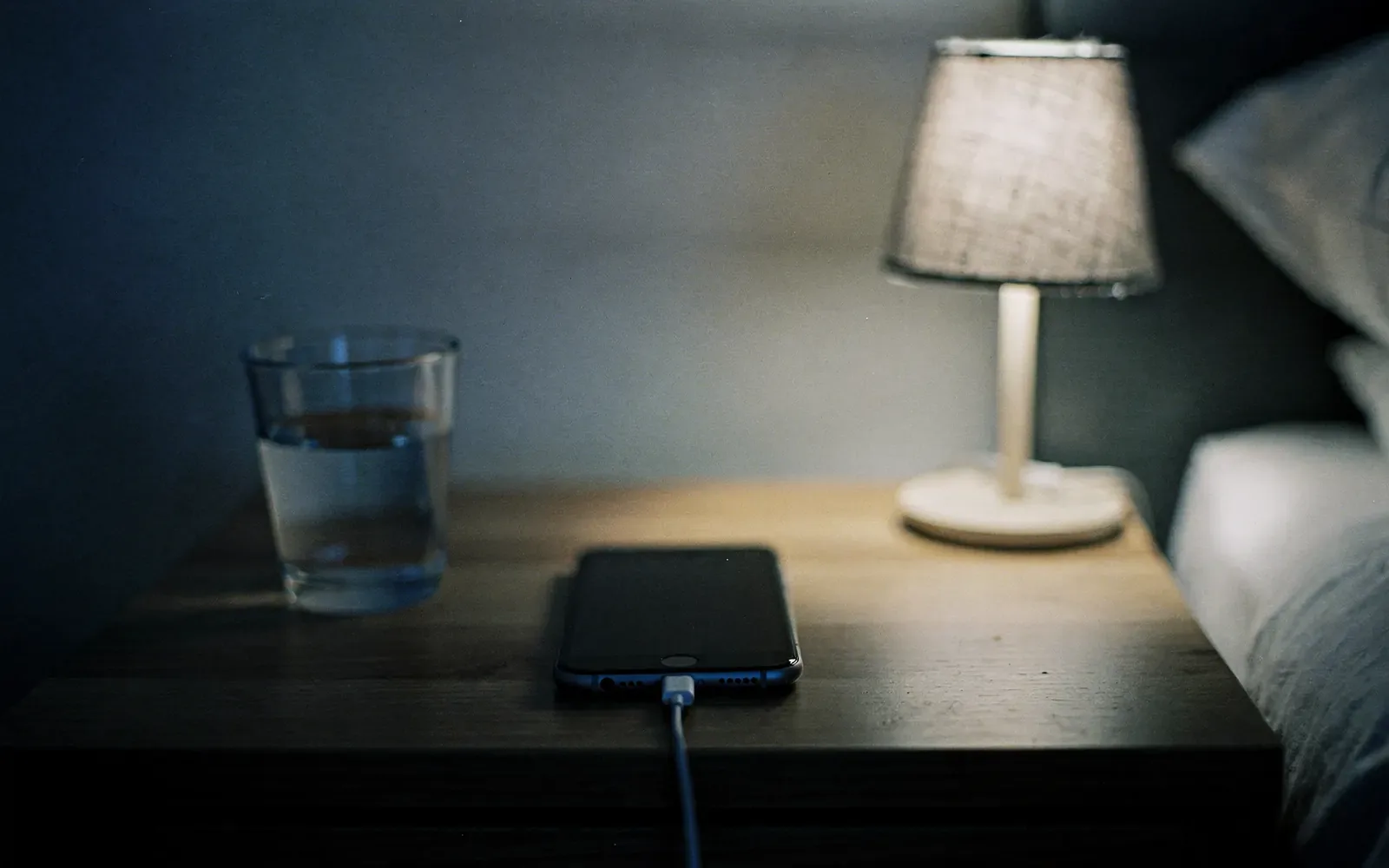
The risk comes from time spent at 100%. That is exactly what Apple's Optimized Battery Charging, Google's Adaptive Charging and Samsung's battery protection limit.
Does cold weather damage the battery?
According to Apple, cold only reduces battery life temporarily. Heat above 95°F (35°C) is what can permanently reduce capacity.
When should the battery be replaced?
Google suggests considering a replacement when capacity falls below 80%; on Pixel 8a and later, the status appears under Settings > Battery > Battery health.
Sources
- Apple – Batteries: Maximizing performance (November 17, 2026)
- Apple Support – About iPhone battery and charging (Optimized Battery Charging, charge limit) (November 17, 2026)
- Apple – Batteries: Service and recycling (November 17, 2026)
- Google Pixel Help – Understand your Pixel battery (November 17, 2026)
- Google Pixel Help – Get the most life from your Pixel battery (November 17, 2026)
- Samsung UK – Galaxy battery protection feature in One UI 6.1 (November 17, 2026)
- Battery University (Cadex) – BU-808: How to prolong lithium-based batteries (November 17, 2026)